The Bolts Map: 114 jobs AI employees do today
36sBolts video
Every job Bolts AI employees do today on one map: a Business Brain in the middle and 12 branches, from calls and invoices to websites and routines.
About this film
The Bolts Map puts every live Bolts feature on one page: 114 jobs in 12 branches, all reading from one Business Brain in the middle.
The camera flies through four branches. Your Bolt can call you, ring you, book meetings and join your Google Meet calls. It sends invoices and quotes, keeps a simple CRM and answers your support inbox. It builds your website, plans your social calendar and makes short videos, blogs, newsletters and ads. Routines run 24/7 with your laptop off, and it asks before it acts: you approve or deny.
See every job, branch by branch, at bolts.builditomi.com/features.
Bolts are AI employees for every business, small to big. Each has a job, a routine and its own computer, works 24/7, and asks before it sends, posts, pays or deletes.
More Bolts videos
 1:11Introducing BoltsAI employees that work while you sleep.
 50sMeet BoltsAI employees with a brain, each on its own computer.
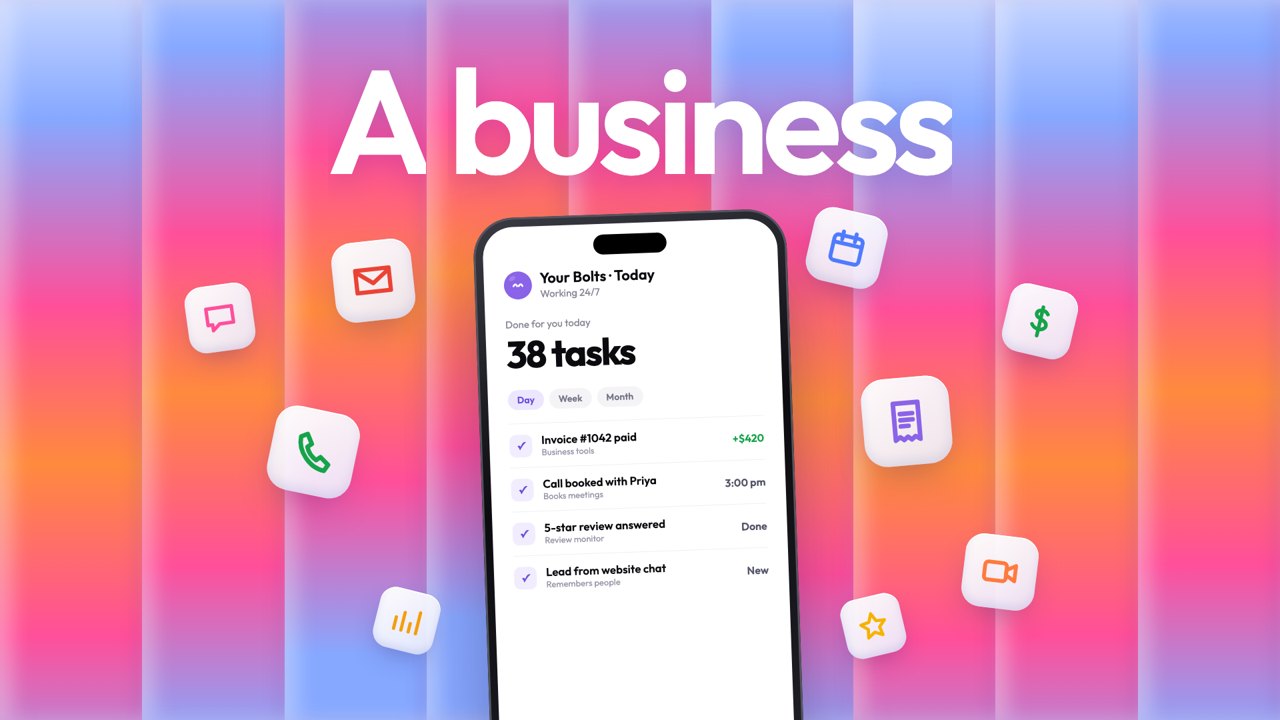 40sImagine a teammate: Bolts AI employeesA bright 40-second film: one Bolts teammate for every business, small to big, answering calls, sending invoices, booking meetings and replying in your customer's language.
 27sBreaking news: businesses stop doing busyworkA news-style parody. Businesses everywhere hand their replies, reviews, leads and reports to AI employees and keep the final say.
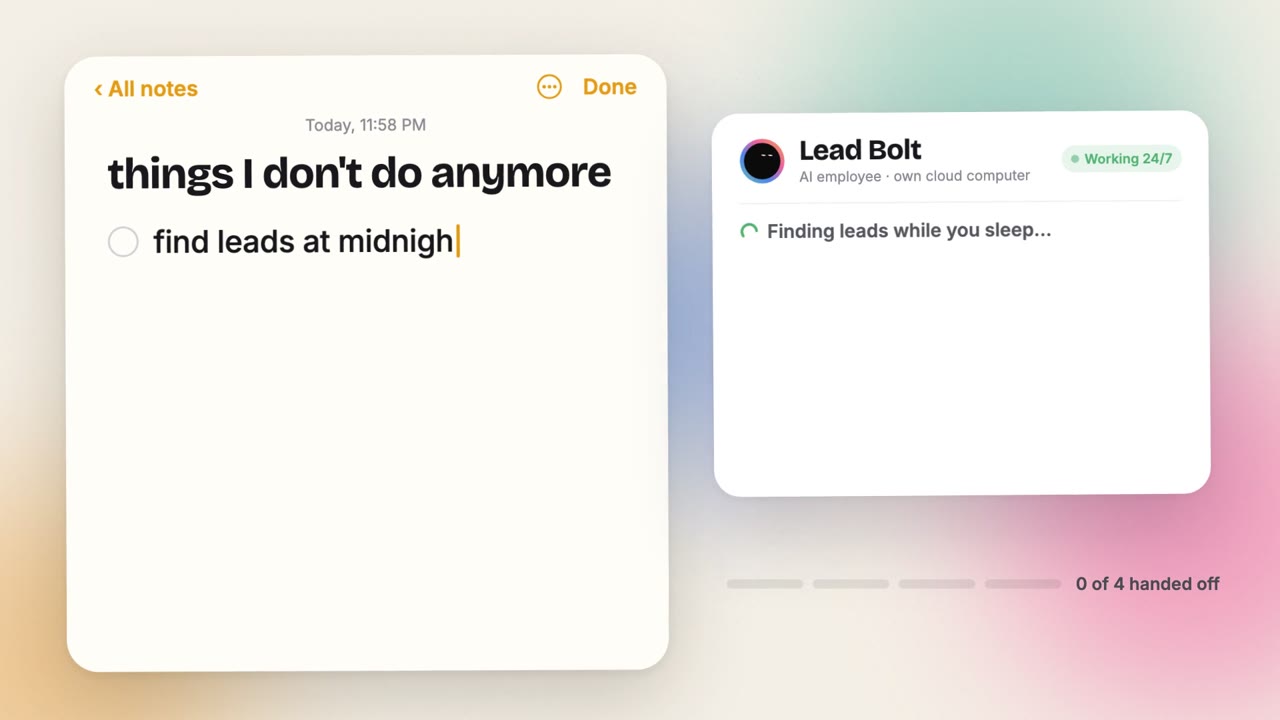 26sThings I don't do anymoreA business owner's notes app: the jobs AI employees took off their list, from 2 AM customer chats to the weekly report.
 29sBusywork: a Bolts documentaryIt started with one email. Then another. A documentary-style trailer about the hours busywork takes, and the AI employees that take it back.
Seen enough? Start in three steps.
- Step 1: Say the jobOne sentence, typed or spoken, the way you'd brief a person. Or pick a ready-made Bolt from the marketplace.
- Step 2: It gets to workOn its own cloud computer, with a routine if you want one. It keeps working with your laptop closed.
- Step 3: You approveNothing is sent, posted, paid or deleted until you tap Approve. Fix it once and it learns.
$0 today · 30 minutes free · Cancel in one tap